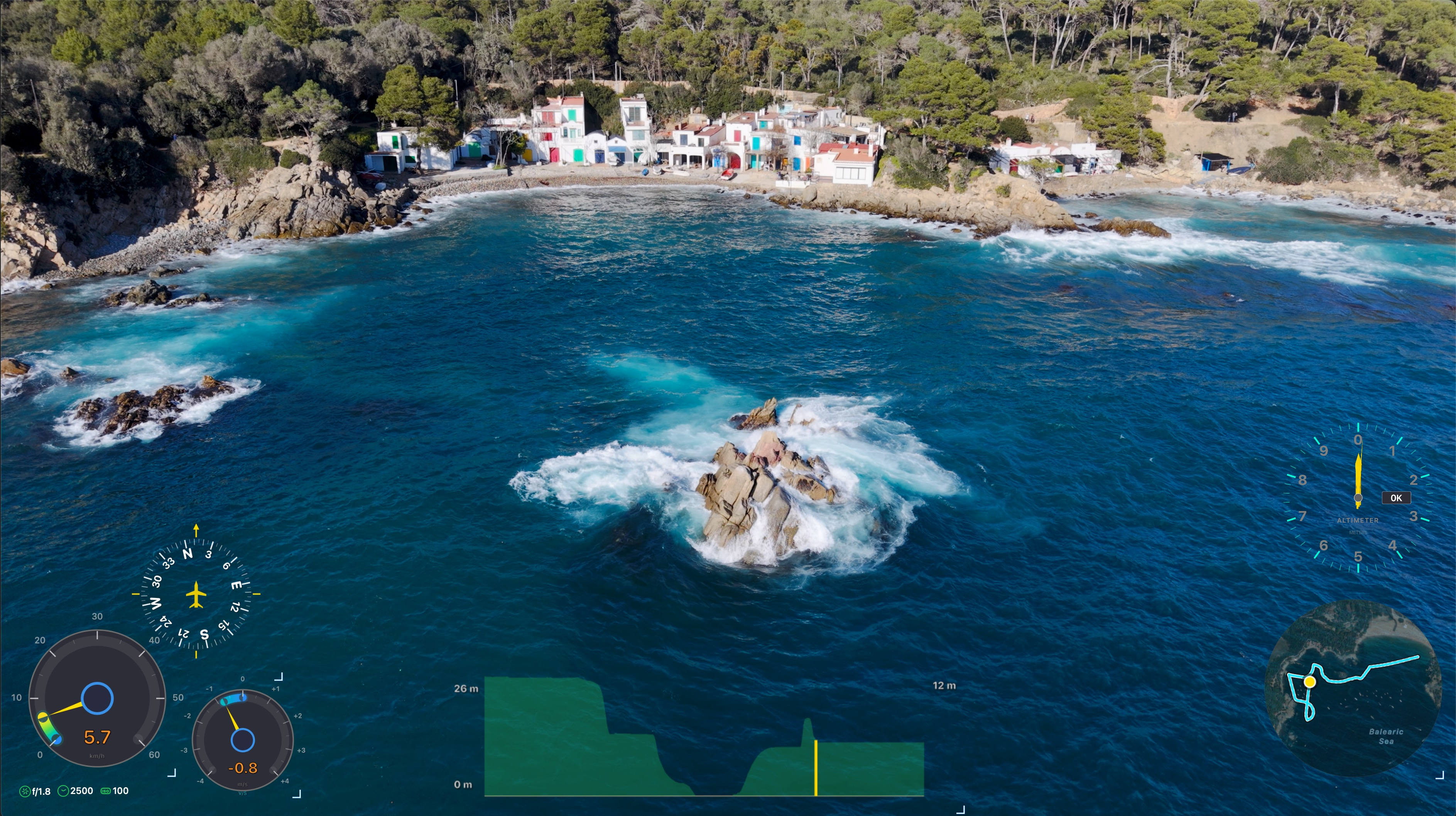
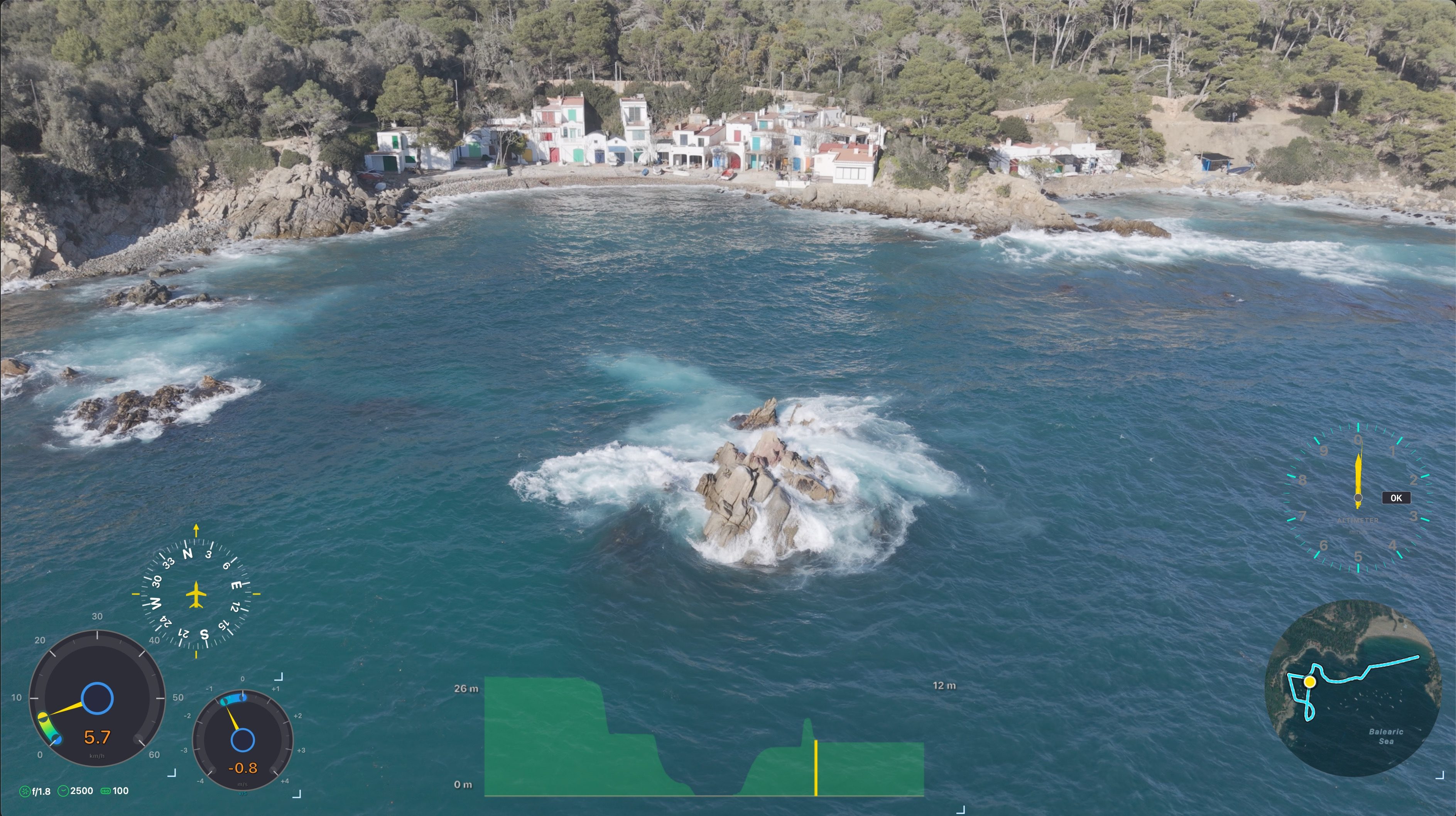
Burn speed gauges, compasses, altimeters, GPS paths, and more onto your DJI drone footage — or export transparent overlays to layer in Premiere Pro, DaVinci Resolve, or Final Cut Pro.
Be the first to know when we launch. No spam.
Features
Built from the ground up for macOS. No Electron. No Java. No compromises.
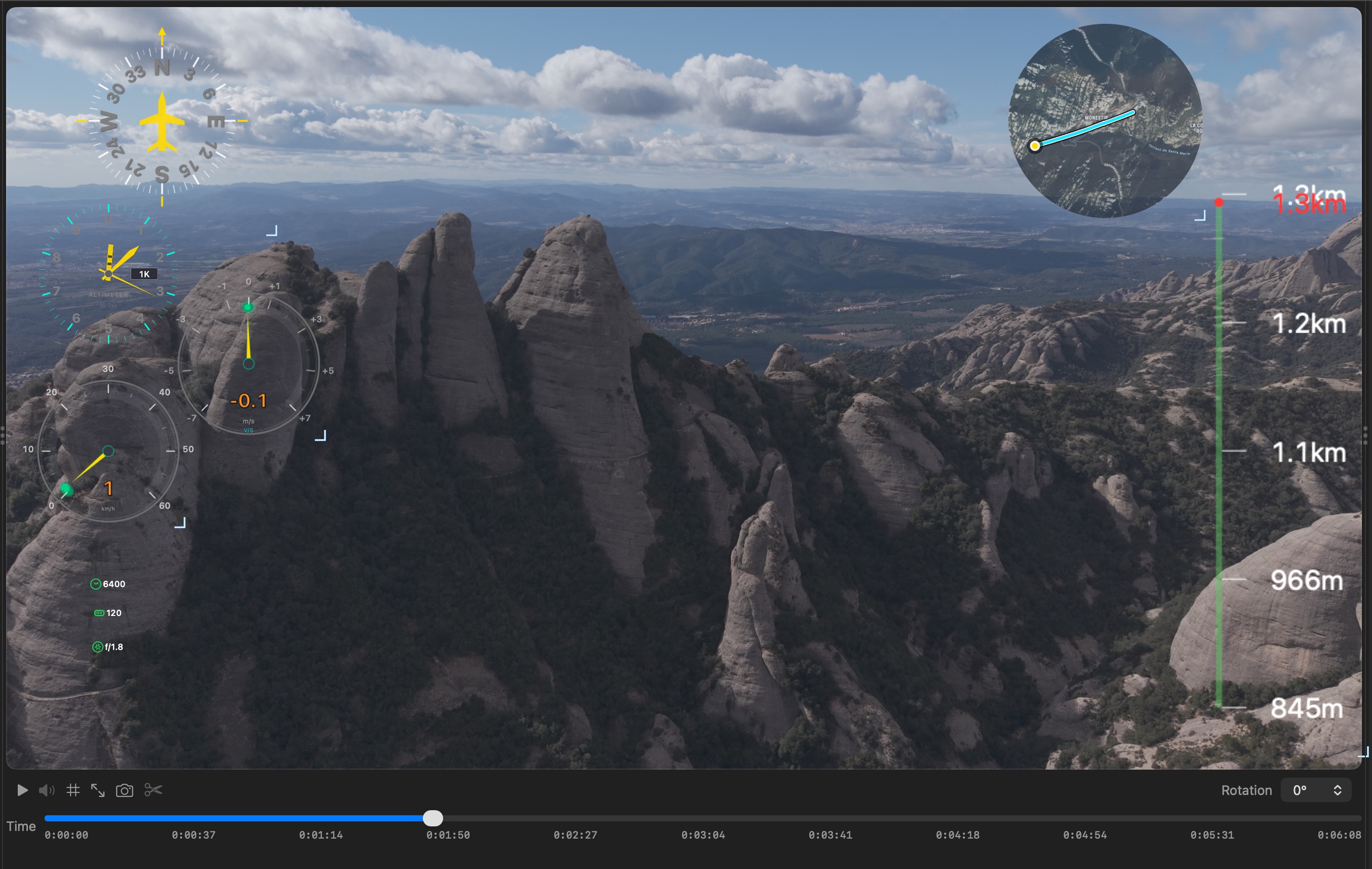
Car, Minimal, Speedometer, Dashboard, Aviation — pick the style that matches your footage. Independent styles for speed and vertical speed.
Click and drag any overlay to position it exactly where you want. Snap-to-grid and resize handles for pixel-perfect alignment.
Choose between clean opaque overlays or stunning glassmorphism effects with real-time backdrop blur and inner glow.
Native Metal + AVFoundation pipeline. Export 4K at full speed with 90%+ cache hit rates. No waiting around.
Auto-merge DJI flight records with SRT data for richer overlays — RC sticks, gimbal angles, battery level, and more.
Export transparent overlay layers and drop them straight into Adobe Premiere Pro, DaVinci Resolve, Final Cut Pro, or any editor. Full creative control in your timeline. Batch export included.
Color correction with 7 sliders, noise reduction with 4 quality modes (including BM3D-inspired), and luminance sharpening. No telemetry required — works as a standalone video tool too.
Export only the portion you need. Set start and end points with sliders or draggable brackets on the timeline. Per-sensor trim lets you control when individual overlays appear.
The App
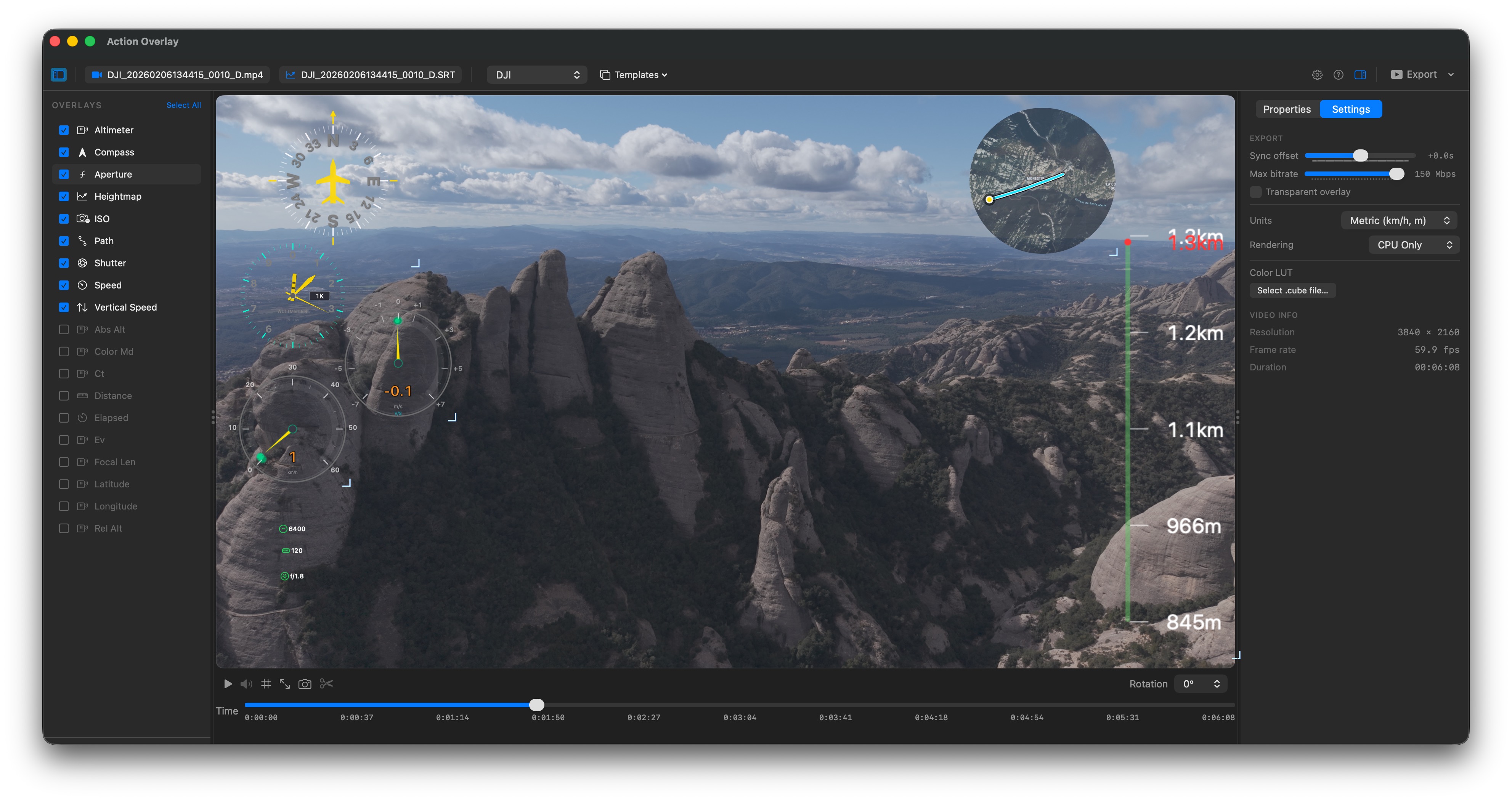
Three-column layout inspired by Final Cut Pro. Everything visible, nothing hidden in menus.
Real-Time Preview
Smooth hardware-accelerated video playback with all overlays rendered in real time. No more exporting just to check if things look right.
Color Correction & Video Processing
A complete video processing pipeline built right in. Load a LUT, fine-tune with 7 color sliders, reduce noise, and sharpen — all GPU-accelerated and visible in real-time preview.
How It Works
Drop in your drone video and SRT telemetry file. Action Overlay auto-detects formats and scans for matching flight records to merge.
Pick your sensors, choose gauge styles, adjust colors and positions. Preview everything in real time before committing.
Burn overlays directly onto your video, or export a transparent overlay layer for your editing timeline. H.264, H.265, or ProRes — your choice.
Why Action Overlay
Every alternative is either Windows-only, abandoned, or built on slow cross-platform frameworks. Action Overlay is different.
| Feature | Action Overlay | Telemetry Overlay | RaceRender | DashWare |
|---|---|---|---|---|
| Native macOS | ✓ Apple Silicon | Cross-platform | Java-based | Windows only |
| DJI SRT Support | ✓ Auto-detect | ✓ | ✗ | Limited |
| Real-Time Preview | ✓ | ✓ | Limited | ✗ |
| 4K Export | ✓ Hardware accel. | ✓ | ✓ | Broken |
| Batch Export | ✓ | ✓ | ✗ | ✗ |
| Transparent Export | ✓ | ✓ | ✗ | ✗ |
| Flight Record Merge | ✓ Auto-detect | ✗ | ✗ | ✗ |
| Color Correction & Denoise | ✓ LUT + 7 sliders + 4 NR modes + sharpness | ✗ | ✗ | ✗ |
| Glass Theme | ✓ Backdrop blur | ✗ | ✗ | ✗ |
| Still Maintained | ✓ Active | ✓ | ✓ | Abandoned |
| Price | Coming soon | $99 - $199 | $45 - $60 | Free (dead) |
Early Feedback
"Finally a telemetry overlay app that actually runs natively on my Mac. DashWare was a nightmare in Parallels. This just works."
"The glass theme on the speedometer looks incredible over mountain footage. My YouTube audience loves the professional look."
"Batch export is a game changer. I process 20+ flights from each trip. What used to take hours now takes minutes."
Pricing
Pay once, own it forever. All future updates included.
Join the waitlist and be the first to know when we launch.
Requires macOS 14.0 Sonoma or later. Optimized for Apple Silicon.