Will it delete my original footage or my project?
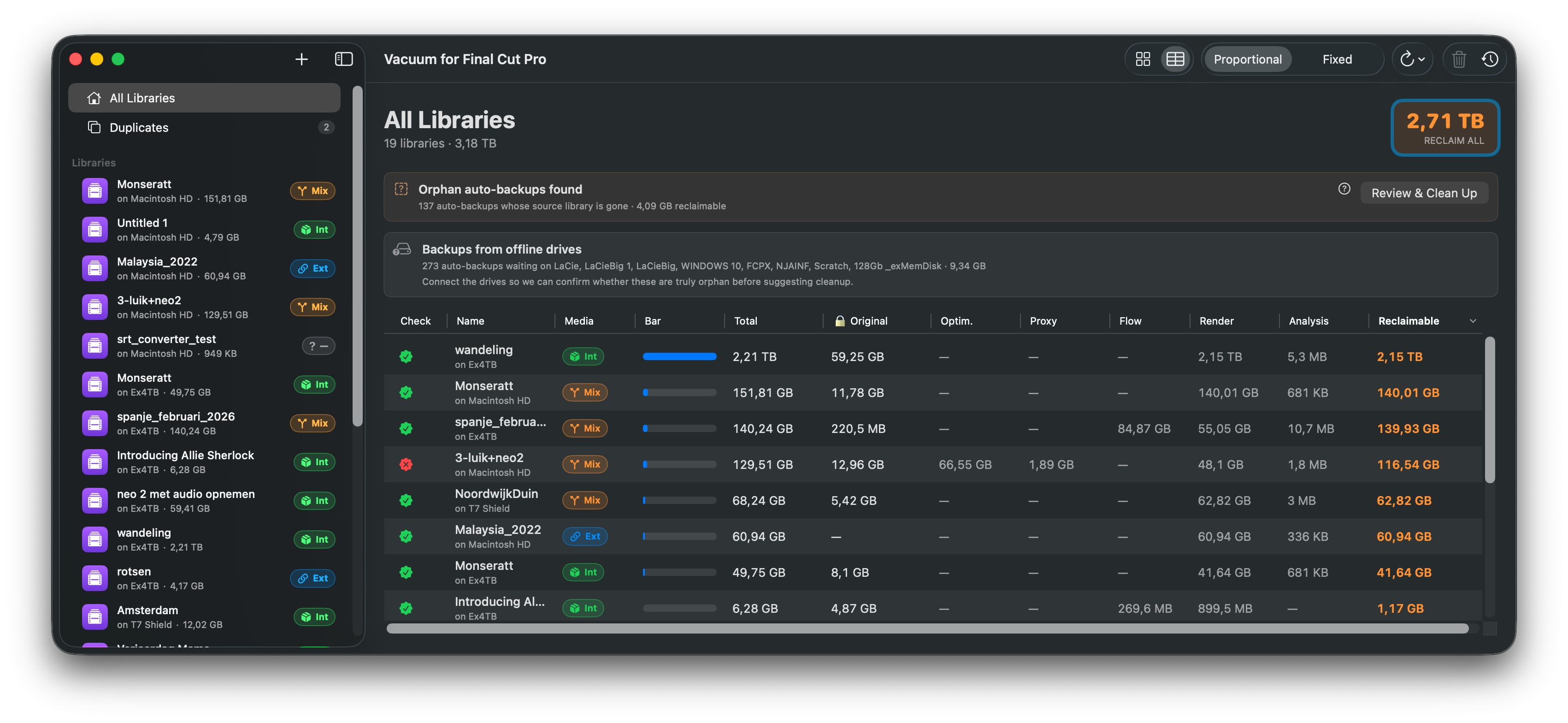
No. Original Media is blacklisted at two independent levels in the code — Vacuum cannot delete it, by accident or otherwise. Your project files (the editorial decisions, timelines, events) are also untouched. Vacuum only removes files Final Cut generates: renders, proxies, optimized copies, analysis caches, old backups. These will be regenerated automatically by FCP when you reopen these libraries.
What if I delete something I actually needed?
Files go to the macOS Trash, not into a void. Drag them back from the Trash, or use Vacuum's one-click Undo. As long as you haven't emptied the Trash, anything is recoverable.
How much space will I actually get back?
Depends entirely on your projects, but most editors free hundreds of GBs on the first scan. Heavy ProRes or optimized-media workflows often see 1 TB or more across older libraries. Vacuum shows you the numbers per library before you delete anything.
Is it safe on libraries I'm still working on?
Yes — with one rule: Final Cut Pro must be closed. Vacuum refuses to run otherwise. The render files and proxies you delete will simply be regenerated next time you need them. Your edit decisions are not affected.
What's free, and what costs money?
Downloading and scanning are completely free: point Vacuum at your drives and see exactly how many gigabytes every library is holding — per category, per library. Actually cleaning them up takes a one-time €14.99 in-app unlock. No subscription, yours forever.
I bought Vacuum when it was a paid app. Do I pay again?
No. If you bought Vacuum 1.0, the app recognizes your original App Store purchase and unlocks cleaning automatically — nothing to do, nothing to pay.
Why pay at all? Aren't there free Final Cut library managers?
Most of the older Final Cut library managers haven't been meaningfully updated in years and quietly break on modern macOS releases. Vacuum is actively maintained, fully sandboxed for the Mac App Store, localized in five languages, and built for current Final Cut workflows. You pay once — no subscription — and that's also what funds keeping it working on every macOS release.
What does it run on?
macOS 14 (Sonoma) or later. Apple Silicon and Intel both supported, native Swift, no Rosetta. Sandboxed: you explicitly grant access to the drives or folders you want scanned, and nothing leaves your Mac.
Do I need to be technical to use it?
No. Drag a folder, look at the breakdown, click "Trash". That's it. There's no command line, no settings to configure on first run, no opaque defaults to debate.
 Free · scan every library